
Quantcast Growth
The Growth team was responsible for expanding the self-serve customer base for Quantcast Measure — our website audience analytics tool. We ran A/B tests on the product itself, sent onboarding emails to drive successful tag installation, kept users informed about new features, built blog content, and ran user research to keep all of it grounded.
Team: Product Marketers, Analytics, User Researcher, Software Engineer
Role: Designer
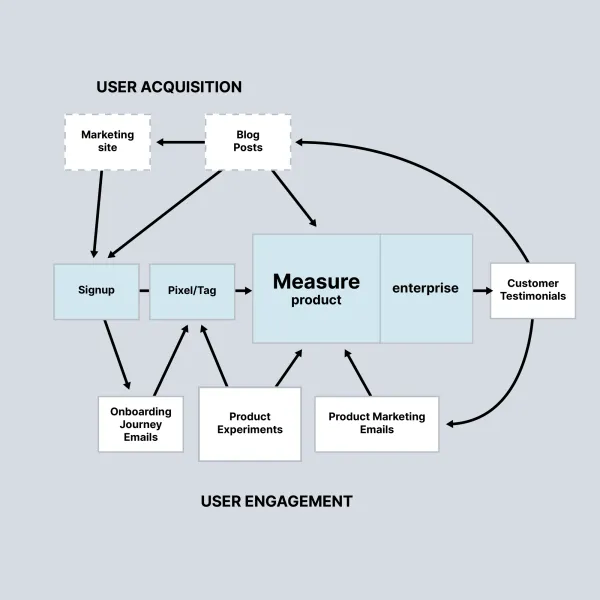
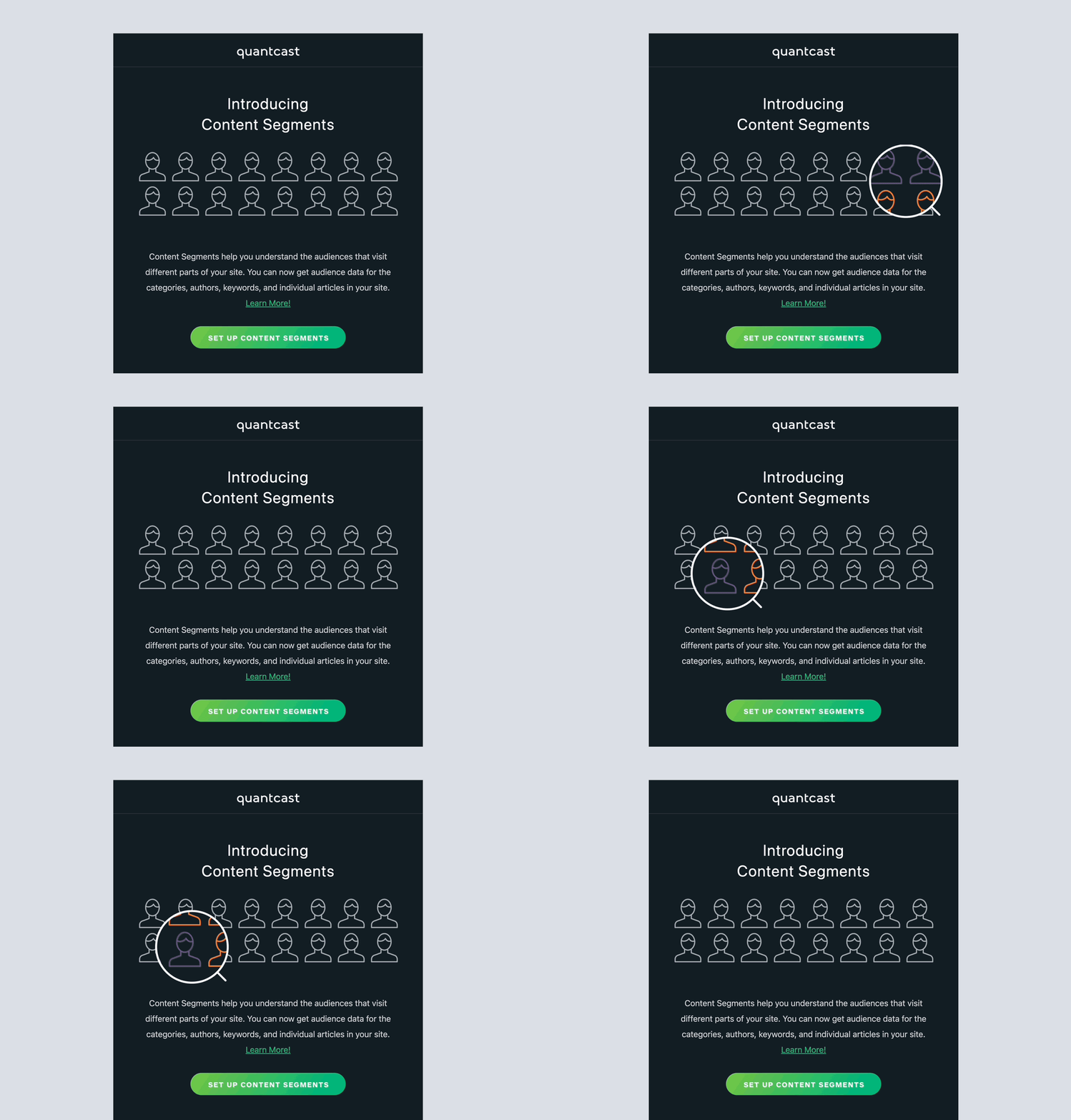
The fastest way to surface a new feature to existing users — but only if the email itself communicated the value before the reader's thumb left the preview pane.

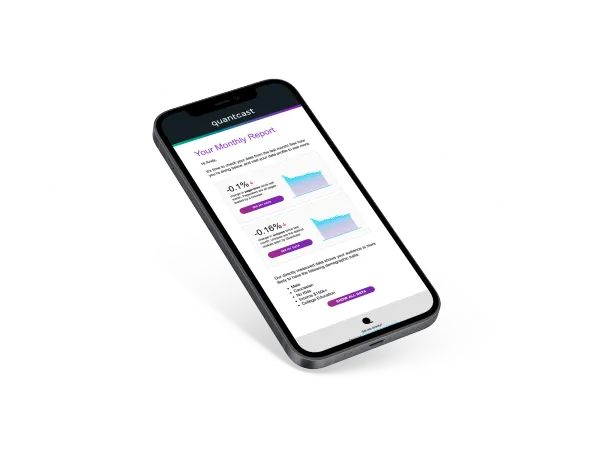
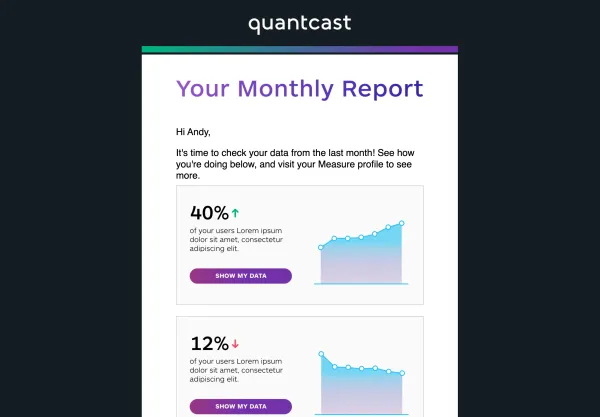
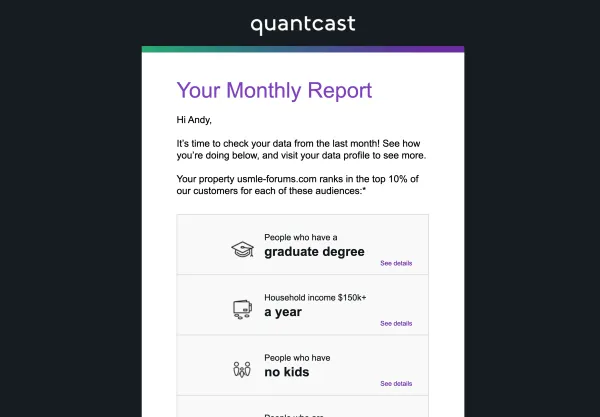
Because the product didn't have automated reporting yet, the team manually generated monthly data reports to keep users engaged with their own profiles. The design challenge was building one set of graphics that could carry both the email digest and downstream use.
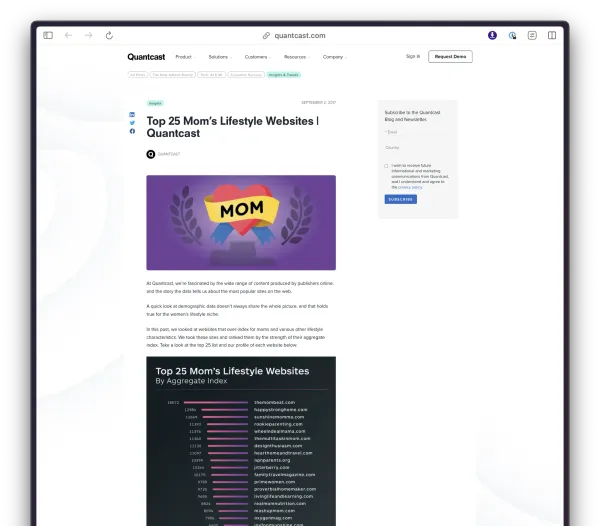
Long-tail content like top-performing-websites roundups drove organic traffic and gave the sales team something concrete to point to in conversations.
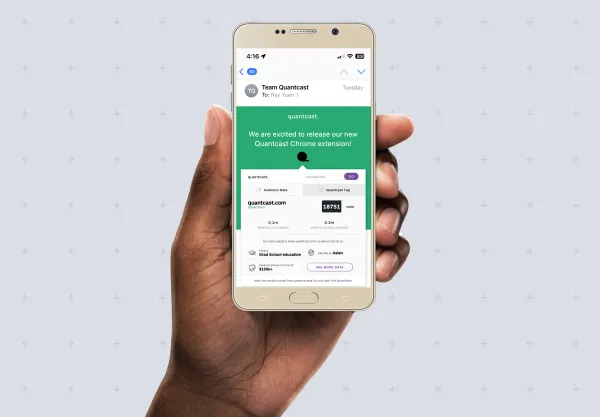
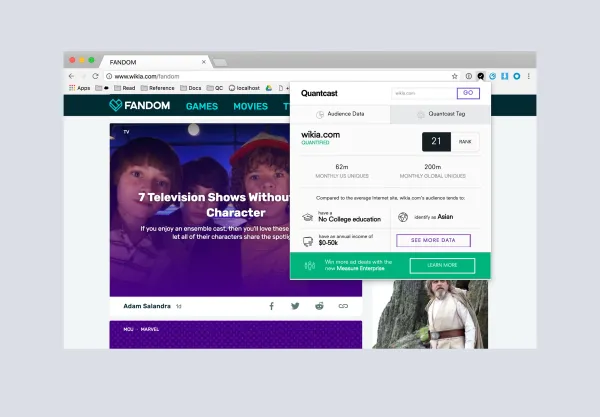
To deepen engagement, we shipped a Chrome extension that surfaced basic traffic and demographic data on any site, supported lightweight market research, and gave users diagnostic feedback during the tag/pixel installation process.
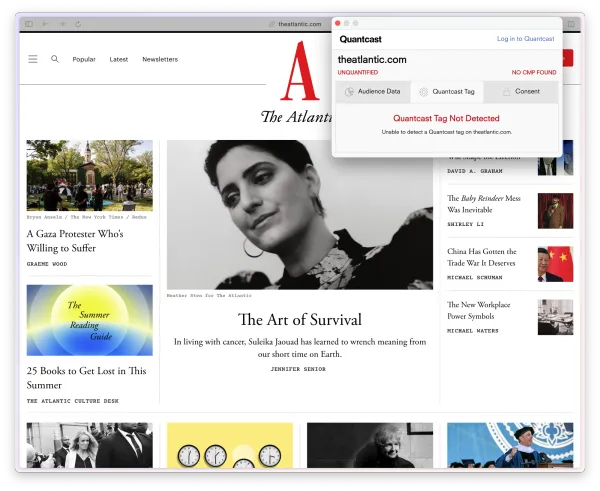
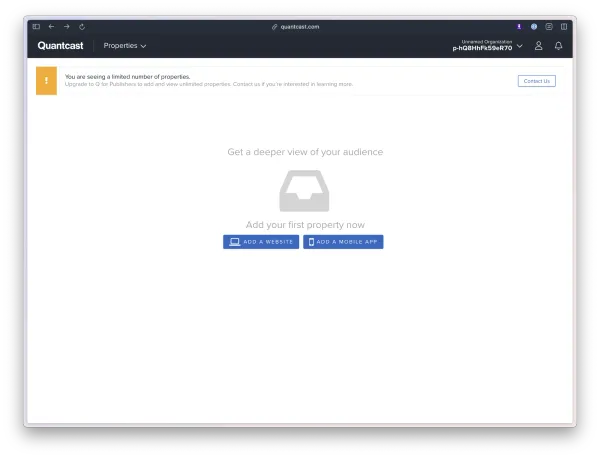
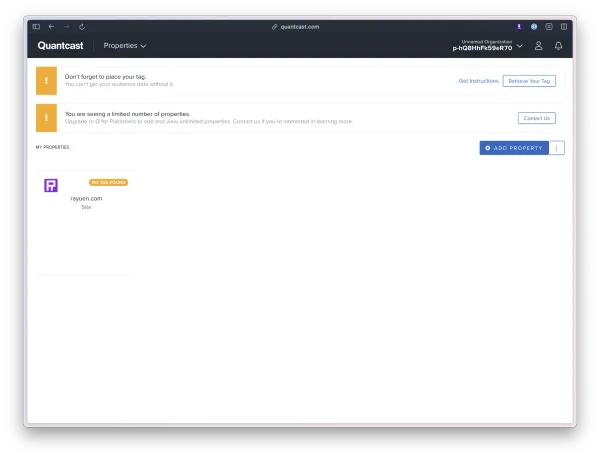
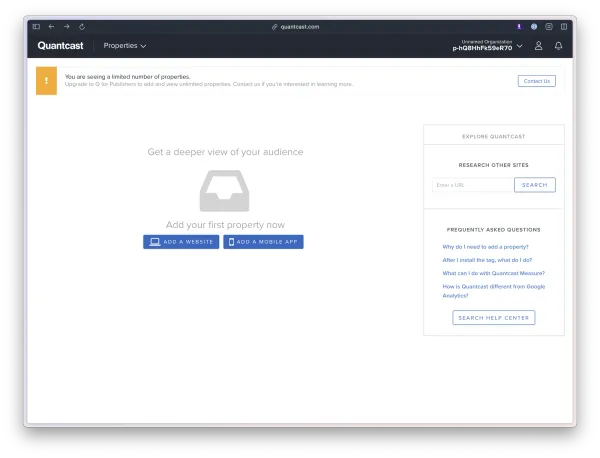
The Growth team's leverage came from A/B testing inside the product itself. Two experiments stand out: rebuilding the blank state of the setup flow, and redesigning the Browsing Interests module in Measure.
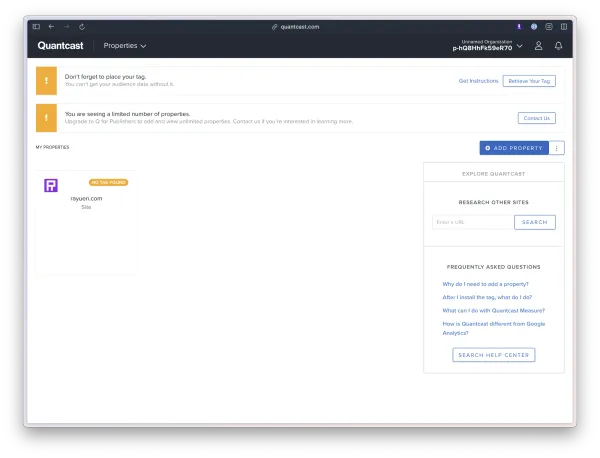
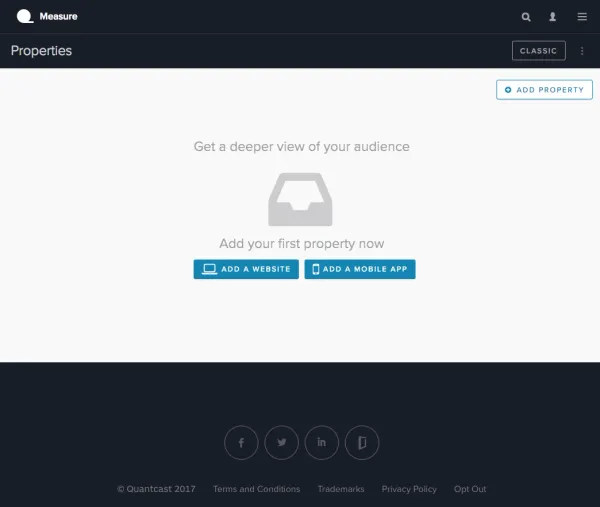
The first run of experiments transformed the initial product setup screen from a literal blank state into something with content. The goal was to lift tag installation success — and to give users a useful thing to do while they waited for data to flow.
The old Browsing Interests tab used expandable charts. We tested a heatmap-style visualization that read more like a glance and less like a research exercise. Usage went up meaningfully, and the experiment graduated into the product.
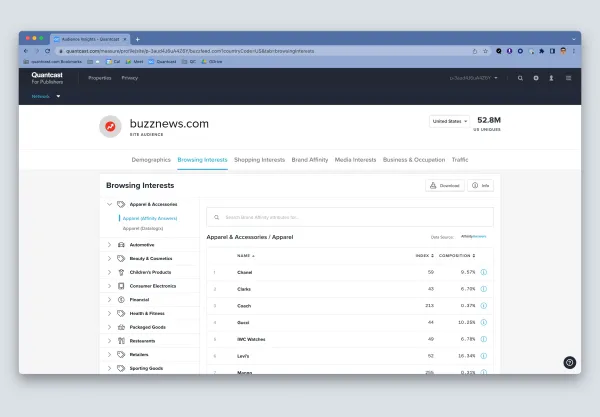
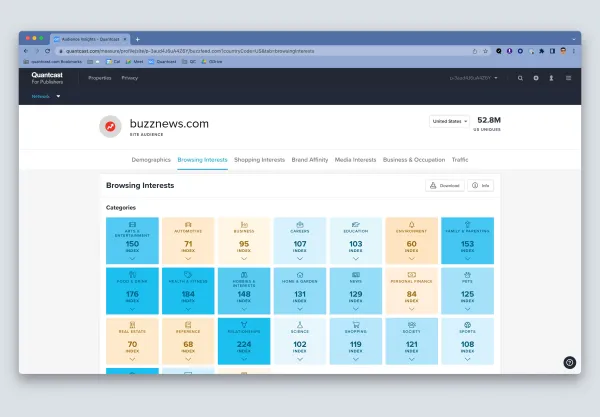
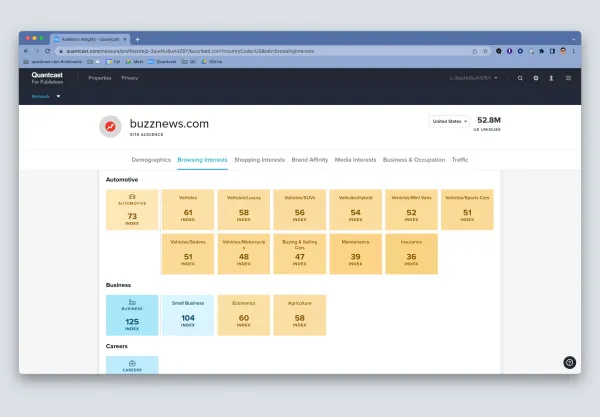
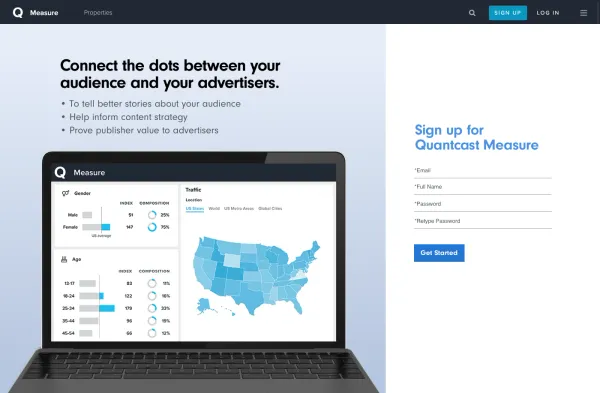
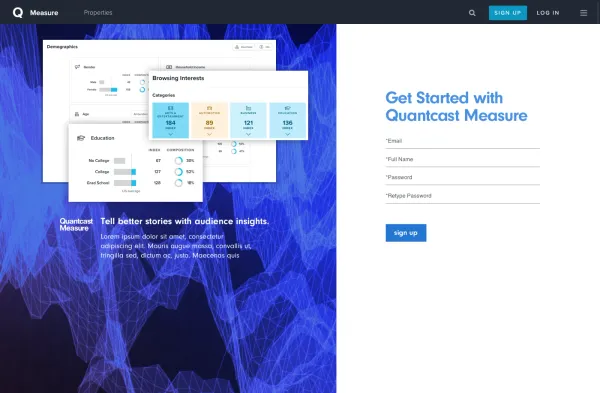
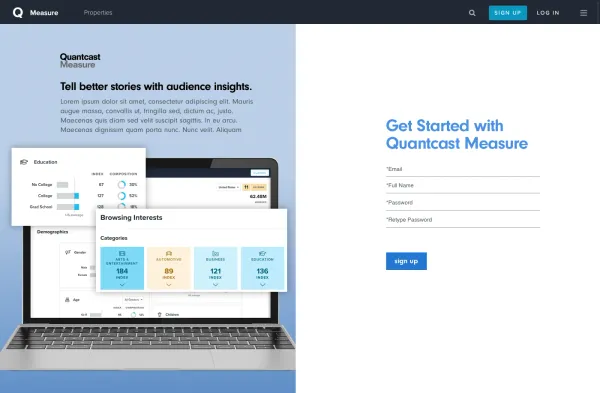
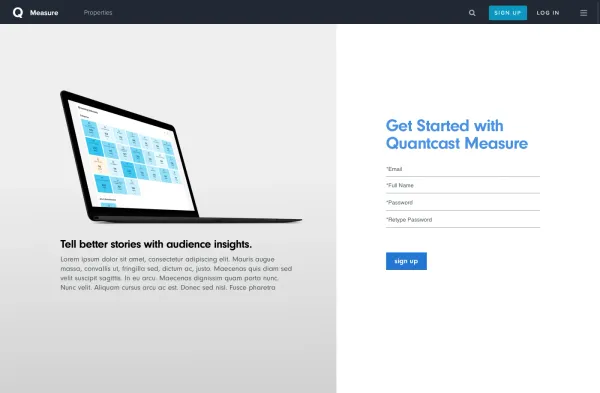
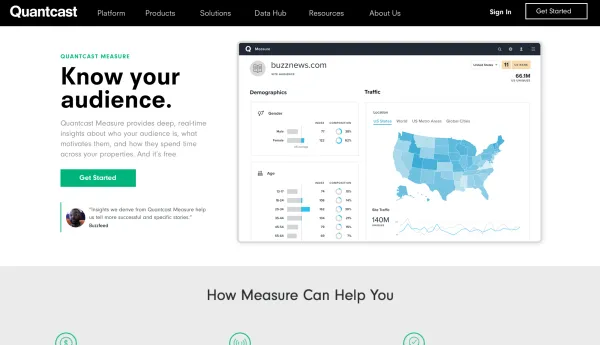
Parallel to the in-product work, we tested signup variants on the marketing site — copy, layout, hero treatment — to find which combination converted self-serve customers most efficiently.
Embracing data-driven design. The Growth team was my first stop where design decisions defaulted to data instead of opinion. That meant systematically capturing, analyzing, and interpreting the right metrics — and being willing to be wrong, often.
Building things and understanding how they work. Picking up PHP and JavaScript basics while collaborating with engineers made the iterative loop feel much shorter. Less hand-off, more co-build.
Continuous improvement. Even when a test won, we'd keep testing for more data and incremental gains. A test could be as small as a copy change — the discipline was running it, not finding the perfect one.